Candy AI on Mobile: App or Web?
- No official app in stores, but full features via the web app.
- Add to your home screen on iOS or Android for quick access.
- Start free, with premium plans for extra features.
Candy AI app: the short answer
Candy AI does not have an official app in the iOS App Store or Google Play Store. Instead, it works as a web app you access in your browser. You can add it to your home screen for an app-like experience. Here’s a summary:
| Platform | Official app store app? | Web app access? | Home screen shortcut? |
|---|---|---|---|
| iOS (iPhone) | No | Yes | Yes |
| Android | No | Yes | Yes |
| Desktop | No | Yes | N/A |
The brand’s web-first approach means all features are always up to date, regardless of your device.
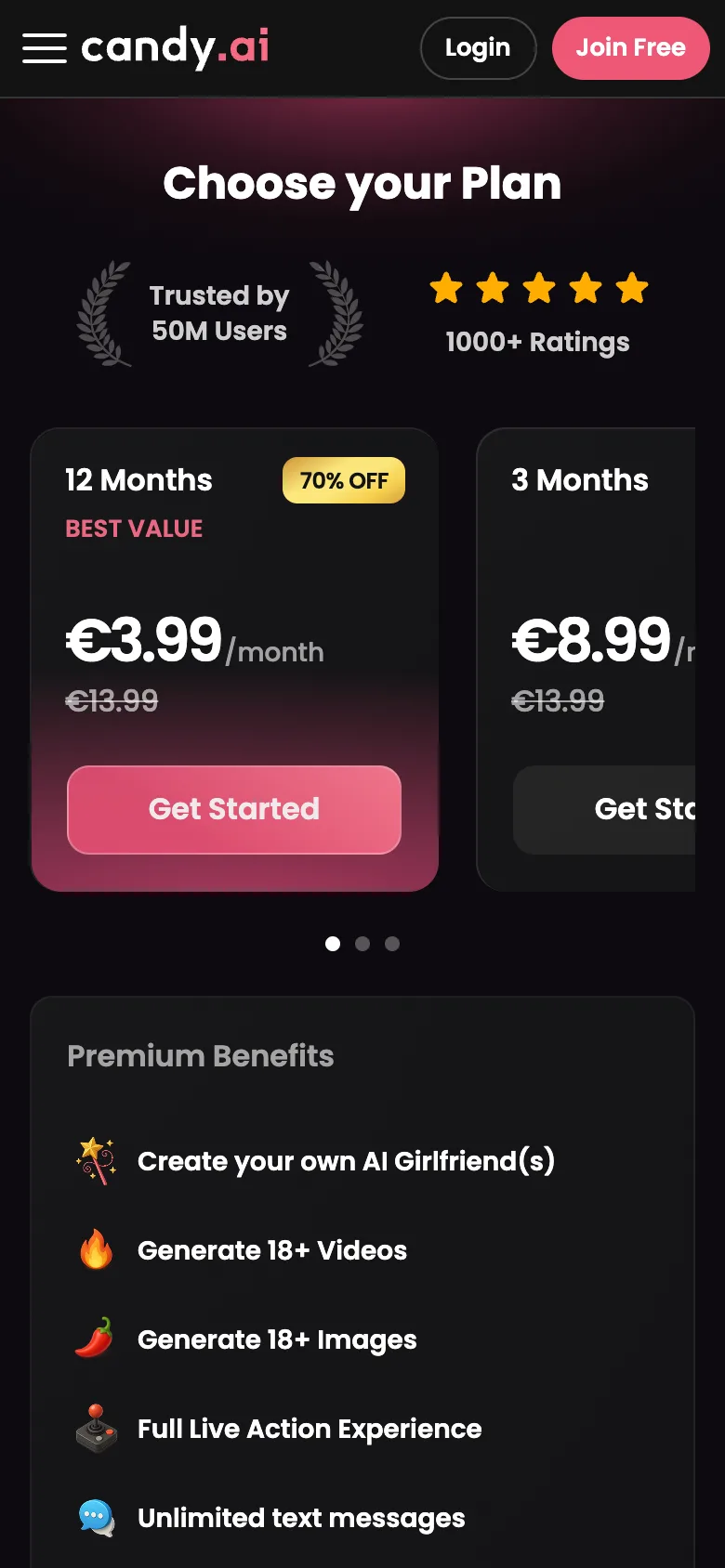
Candy AI on Android phones
There is no official Candy AI app or APK to download. You interact entirely through your browser. If you want a shortcut, follow these steps for quick access:
- Open Chrome (or your preferred browser) on your Android phone.
- Go to the official Candy AI site.
- Tap the menu (three dots) in the top right corner.
- Select “Add to Home screen.”
- Confirm and the shortcut will appear like an app icon.
This gives you fast access, without needing to download or update anything.
Candy AI features on your phone
You can use all core features from your mobile browser, just as you would on a computer. This includes text chat, with memory for details you share over time. The platform lets you request AI-generated images—think outfits or different locations—and listen to voice messages from your chosen companion. There’s also the option for voice calls, which are priced per minute in tokens, and short AI-generated videos.
Media features such as image and video generation require a premium plan, but everyone starts with some free tokens to try things out. All roleplay and storytelling functions are included, as long as you follow community guidelines.
Phone privacy tips
Using Candy AI on mobile is private, as no app is installed and no icon with the service’s name appears on your device unless you add a shortcut. All transactions are encrypted, and billing is discreet. Tip: For extra privacy, use your browser’s private or incognito mode, and always log out when finished—especially on shared devices. This avoids leaving a visible browsing history or chat session accessible to others.
Subscriptions via app stores or web
Can I subscribe through Apple or Google?
No, all payments are made directly on the Candy AI website, not through app stores.
How do I manage or cancel my subscription?
You can cancel or manage your subscription from within your account settings on the web app.
Does the payment method affect privacy?
Billing appears under a neutral name ('EverAI'), and transactions are encrypted for all payment types.
Supported devices
Candy AI runs in any modern mobile or desktop browser—Safari, Chrome, Firefox, or Edge are all suitable. You don’t need to worry about storage space, as nothing is installed. A stable internet connection is required, especially for voice and video features. Using a recent device will give the smoothest experience, but there’s no need for a high-end phone.
FAQ
Is my data the same on web and mobile?
Yes, your chats and account data are synchronised across devices. Whether you use the web app on your phone or desktop, you’ll see the same companions and chat history.
Does the Candy AI app cost money?
You can start for free, with about 100 tokens to try paid features. Premium plans unlock unlimited messaging, media features, and more. All prices are set out on the subscriptions page.
Can I use Candy AI without an app?
Absolutely. No installation is required; simply visit the site in your browser. You can add a home screen shortcut if you prefer a more app-like feel.
Do notifications work on mobile?
Candy AI does not offer push notifications like a native app. You need to open the web app to check for new messages or updates.