Candy AI App Guide
- Candy AI is a web app, not a native app—no install needed.
- Add it to your home screen for an app-like experience on iOS and Android.
- Avoid lookalike apps in app stores; always use the official site.
App or website?
Candy AI is a web-based platform. There’s no official native app for iOS or Android—everything runs in your device’s browser. On both iOS and Android, you access all features by visiting the official site. However, you can add the web app to your home screen for quick access, giving it an app-like feel. Desktop and mobile users get the same experience without a separate download or installation process.
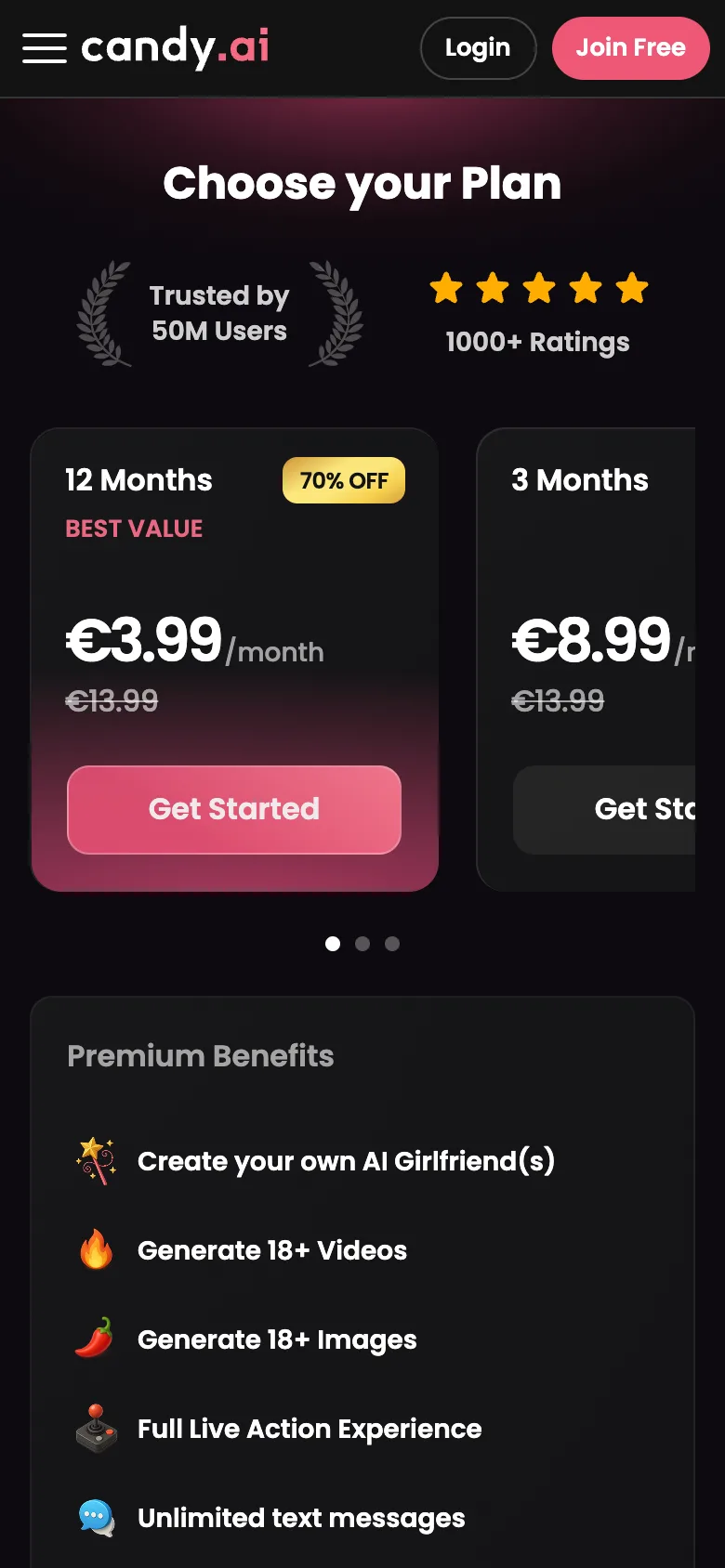
Candy AI on iOS
On iPhone, Candy AI functions as a web app, but you can create a home screen shortcut for easy access. Here’s how:
- Open Safari and navigate to the official Candy AI website.
- Tap the Share icon at the bottom of the screen.
- Scroll down and select 'Add to Home Screen.'
- Adjust the name if you wish, then tap 'Add.'
- The icon will now appear on your home screen like any other app.
- Tap the icon to launch Candy AI directly in Safari.
If you can’t find the 'Add to Home Screen' option, double-check you’re using Safari, not another browser.
Android setup
Android users can add Candy AI to their home screen for a near-native app experience. Here’s the process:
- Open Chrome (or another supported browser) and visit the Candy AI official website.
- Tap the three-dot menu in the top right corner.
- Select 'Add to Home screen.'
- Confirm the name or edit it if desired, then tap 'Add.'
- An icon appears on your home screen—use it to launch Candy AI quickly.
- Accept any permissions needed for notifications or media.
Always use the official website; don’t install APKs from third-party sources.
App vs web version
The mobile web app and desktop browser version of Candy AI offer the same features, including text chat, image generation, voice messages, and AI-generated videos. What’s different?
- Mobile web app uses more battery when handling videos or voice features.
- Data usage can spike with image and video requests.
- Desktop browsers tend to handle larger media files more smoothly.
- Mobile notifications require home screen installation and permissions.
In our tests, both versions adapt well, but expect heavier battery and data usage on mobile, especially with media features.
Copycat apps to avoid
We’ve spotted lookalike apps using the Candy AI name in various app stores and APK download sites. These are not official and could be privacy risks or low-quality clones. The only legitimate way to access Candy AI is through the official website—any 'Candy AI' native app on stores is unrelated.
Tip: If you see a Candy AI app outside the official site, skip it and use the browser-based version instead.
Privacy on a shared phone
If you share your device, a little caution keeps your Candy AI chats private:
- Rename the home screen icon to something less obvious.
- Turn off or limit notifications to avoid pop-ups.
- Use a browser with private mode for added discretion.
- Log out after sessions if others use your phone.
The service’s billing is already discreet, but these steps help keep your usage under wraps at home.
Will it work on my phone?
Candy AI works on most modern devices, but a few basics are needed:
- Recent versions of Safari, Chrome, or Firefox.
- A stable internet connection (Wi-Fi or mobile data).
- JavaScript and cookies enabled in your browser.
- Enough storage for browser cache and media files.
If your device handles other web apps smoothly, you should have no trouble here.
FAQ
Is there a Candy AI app for Android?
There’s no native Candy AI app for Android, but you can use the web app in your browser and add it to your home screen for easy access.
Why isn't Candy AI in the App Store?
Candy AI is a web app only, not a native app. This means it isn’t available through the Apple App Store and must be accessed via a browser.
Do notifications work on mobile?
Yes, notifications can work if you’ve added Candy AI to your home screen and allowed permissions. Be sure to grant notification access when prompted.
Is my data the same on web and mobile?
Yes, your conversations, preferences, and AI characters are consistent across devices, as everything is synced via your account on the web app.