Is There a Candy AI App?
Candy AI does not have a traditional app on iOS or Android—it's a web app you use in your browser or can add to your home screen. Watch out for lookalike apps and always access Candy AI through the official website for safety.
Official Candy AI app status
You won't find a traditional Candy AI app in the iOS App Store or Google Play Store; instead, Candy AI operates as a web-based service accessed directly in your browser. On both iOS and Android devices, you can add the web app to your home screen for quick access, functioning much like a regular app but without installation from an app store. The same experience is available on desktop through any modern browser. This approach keeps things simple—no need for app downloads, and updates are handled automatically in the web interface. If you're looking for Candy AI on any app store, you simply won't find an official listing—just head to the official website to get started.
Unofficial APKs and clones
It's easy to come across apps and APKs in stores or on websites that use the name 'Candy AI' or similar, but these are not affiliated with the real service. Always access Candy AI only through the official website to protect your data and avoid scams.
- Check the developer name before installing anything
- Be cautious of similar-sounding titles in app stores
- Never download APKs from random sources
- Look for the official site link, not third-party listings
- Real Candy AI does not require an app install
Stick with the official browser experience for security, as unofficial versions can risk your privacy or even device safety.
Subscriptions via app stores or web
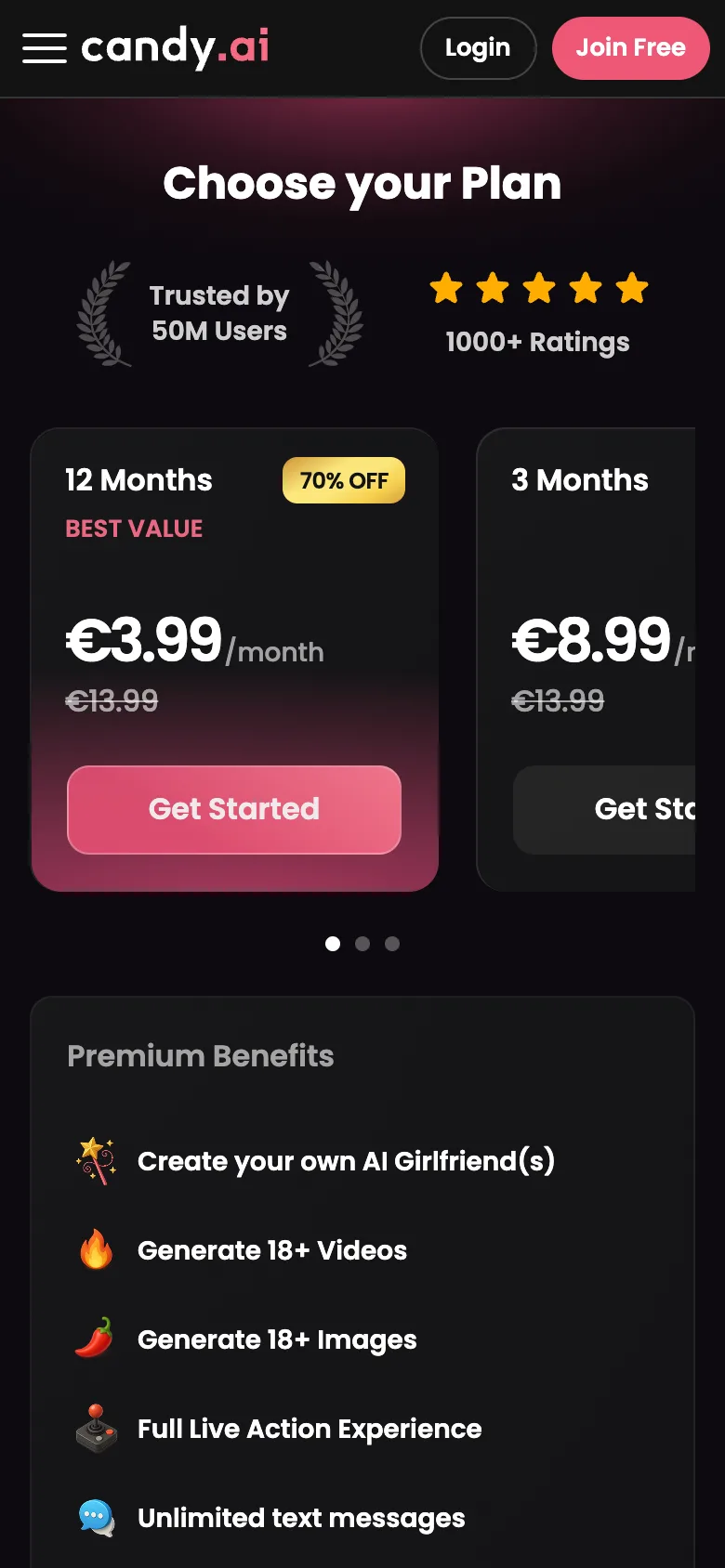
How do I subscribe or pay? All subscriptions and payments go through the Candy AI website, not the app stores, using cards or supported crypto coins.
How do I cancel my plan? You can cancel your subscription any time through the web app’s account settings, since no app store is involved.
Where does the charge appear? On your bank statement, you’ll see 'EverAI' as the merchant, so your purchase remains discreet.
Candy AI not loading on your phone?
Most issues with Candy AI on mobile are easy to fix and often relate to network or browser settings. If media isn’t playing, or the app isn’t loading, try the solutions below:
| Issue | Possible Fix |
|---|---|
| App not loading | Refresh browser; check internet |
| Images/videos stuck | Clear browser cache and reload |
| Shortcut not opening | Remove and re-add to home screen |
| Slow performance | Close unused tabs or update browser |
| Audio not playing | Allow browser permissions for sound |
A quick refresh or clearing your browser cache usually solves most problems. If issues persist, check your connection or update your browser.
Supported devices
Candy AI works smoothly on most devices with a stable internet connection and a modern browser.
- Any recent Android or iOS phone
- Chrome, Safari, Firefox and similar browsers
- Desktop and laptop computers
- Reliable, non-metered internet connection
Since it’s a web app, there’s no need for special hardware or a specific operating system—just open the site and start chatting.
FAQ
Does the Candy AI app cost money?
You can start with a free account, which gives you limited tokens to try features. To access unlimited chats, media generation, and custom character creation, you’ll need a paid subscription.
Do notifications work on mobile?
Since Candy AI is a web app, standard push notifications like those from native apps aren’t supported. You’ll need to check manually for new messages in your browser.
Is the Candy AI APK safe?
There is no official Candy AI APK. Downloading APKs from third-party sites is risky and may expose your device to malware. Always use the official Candy AI website.
Is there a Candy AI app for iPhone?
There’s no native app for iPhone, but you can use Candy AI in Safari and add it to your home screen for quick access, just like an app.
Can I use Candy AI without an app?
Yes, you can use Candy AI directly in your browser on any device, with no download or installation required. Simply visit the official website to get started.