Candy AI App Download Guide
Candy AI doesn’t require a traditional app download—just visit the website in your mobile browser and add it to your home screen. Watch out for unofficial apps claiming to be Candy AI, as the real platform works through your browser only.
When the app/web app misbehaves
Most Candy AI glitches on mobile are standard for web apps—usually a quick fix. If you’re stuck on loading or login screens, try these first:
- Clear your browser cache and cookies
- Make sure your browser is up to date
- Check your Wi-Fi or mobile data connection
- Close and reopen your browser tab
- Remove and reinstall the home screen shortcut
In our tests, one of these usually sorts it out. For persistent trouble, logging out and in again can help.
App or website?
Candy AI is a web app only—no official downloads in the App Store or Google Play. Here’s what works on each platform:
| Platform | Official App? | Works in Browser? | Home Screen Shortcut? |
|--------------|--------------|-------------------|-----------------------|
| iPhone (iOS) | No | Yes | Yes |
| Android | No | Yes | Yes |
| Desktop | No | Yes | No |
You don’t install Candy AI like a typical app—just open it in your browser.
Installing Candy AI on iPhone
Adding Candy AI to your iPhone home screen is simple and doesn’t need a download:
1. Open Safari and visit candy.ai
2. Tap the Share icon at the bottom of the screen
3. Scroll and select 'Add to Home Screen'
4. Edit the name if you like
5. Tap 'Add' in the top right
A new icon appears on your home screen for easy access. No app store required.
Watch out for fake Candy AI apps
We’ve seen several apps using the Candy AI name in app stores and APK sites—but none are official. The real service is browser-based only.
- Ignore any app claiming to be Candy AI in the App Store or Google Play
- Check the official URL: candy.ai
- Avoid APK downloads from third-party sites
- Look for web-only instructions on the real site
If you’re prompted to install something from outside your browser, it’s not genuine.
Where to buy premium on a phone
How do I pay for Candy AI premium on mobile?
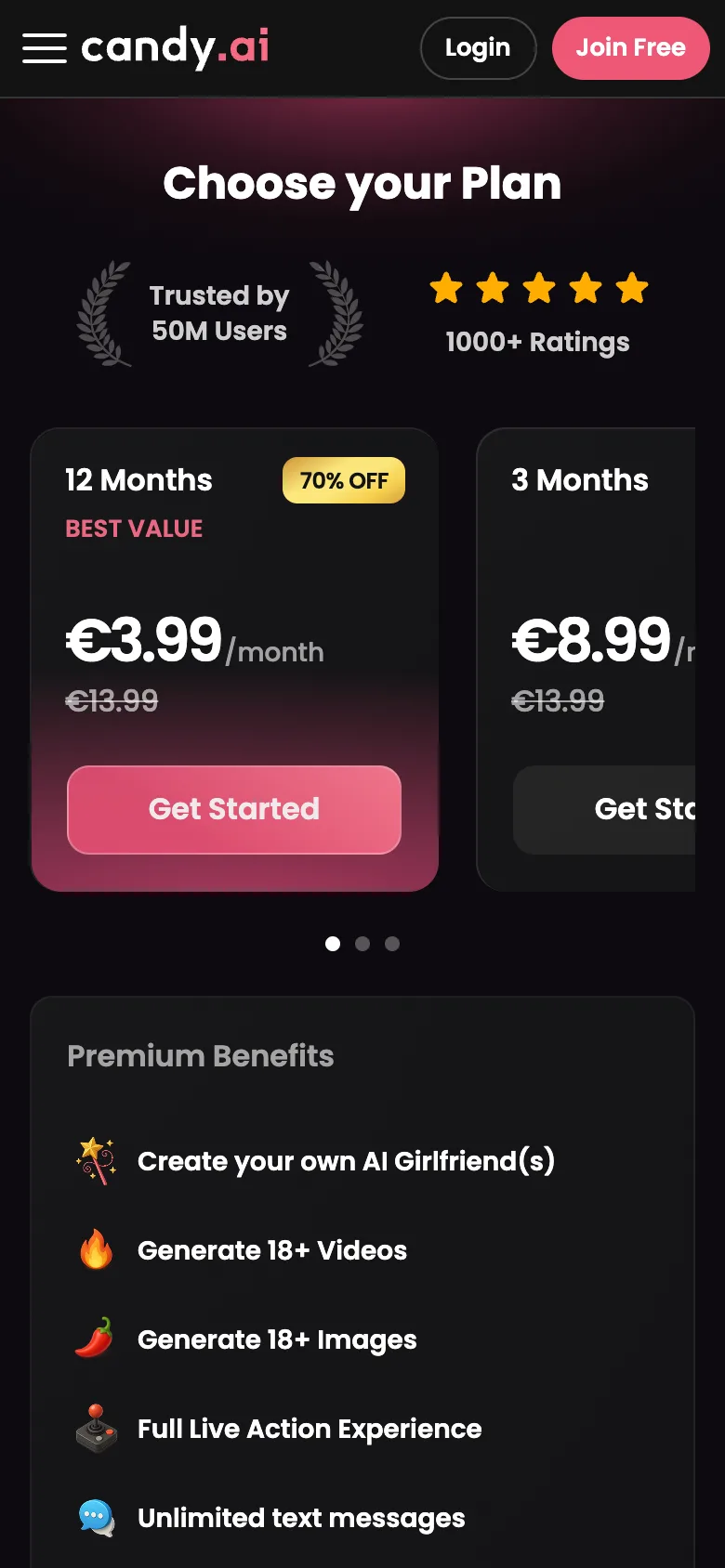
All payments (Visa, Mastercard, crypto) are handled directly on the website—even on your phone.
How do I cancel my subscription?
You can cancel any time in your account settings on the official website. There’s no app-store subscription.
What appears on my statement?
Charges show under a neutral merchant, typically as 'EverAI', not 'Candy AI'.
FAQ
Is there a Candy AI app for iPhone?
No, there isn’t a standalone iOS app. You access Candy AI through your iPhone browser (like Safari) and can add it to your home screen for quick access.
Do notifications work on mobile?
Candy AI doesn’t support push notifications like a native app. You’ll need to open the website to check messages—no alerts pop up on your device.
Is the Candy AI APK safe?
There is no official Candy AI APK. The real service is web-based only—avoid downloading any APKs or apps that use the Candy AI name, as these are not official and could be unsafe.